前言
上篇文章教学了使用Ollama一键部署OpenClaw,接下来为了能在多平台访问到,需要接通Channel
在OpenClaw官方支持的众多Channel中Telegram是使用起来最方便一种方式
Telegram设置
搜索@BotFather
选择有蓝标的账号
在对话中输入命令
/newbot
然后两次分别输入Bot的名称(name)与用户名(username)
其中name可以后期更改,username必须使用唯一值,并以bot结尾
完成后会收到Bot链接与API key
Done! Congratulations on your new bot. You will find it at t.me/
username. You can now add a description, about section and profile picture for your bot, see /help for a list of commands. By the way, when you've finished creating your cool bot, ping our Bot Support if you want a better username for it. Just make sure the bot is fully operational before you do this.Use this token to access the HTTP API:
API key
Keep your token secure and store it safely, it can be used by anyone
to control your bot.For a description of the Bot API, see this page:
https://core.telegram.org/bots/api
OpenClaw设置
在终端执行
openclaw config
选择Local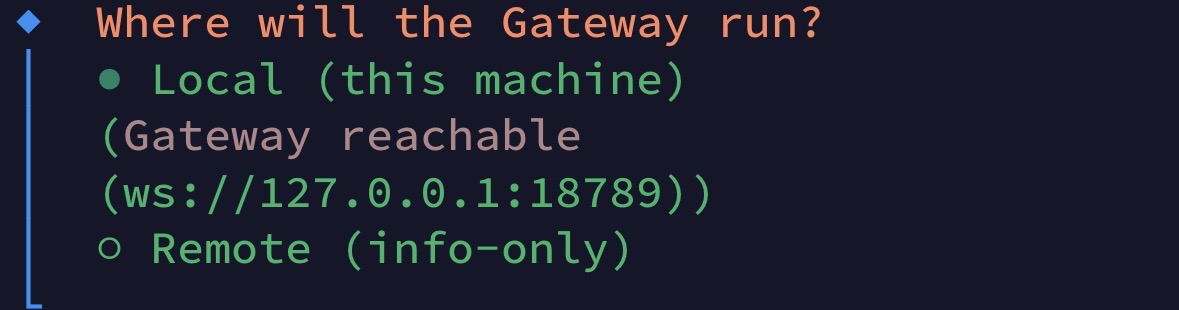
选择Channels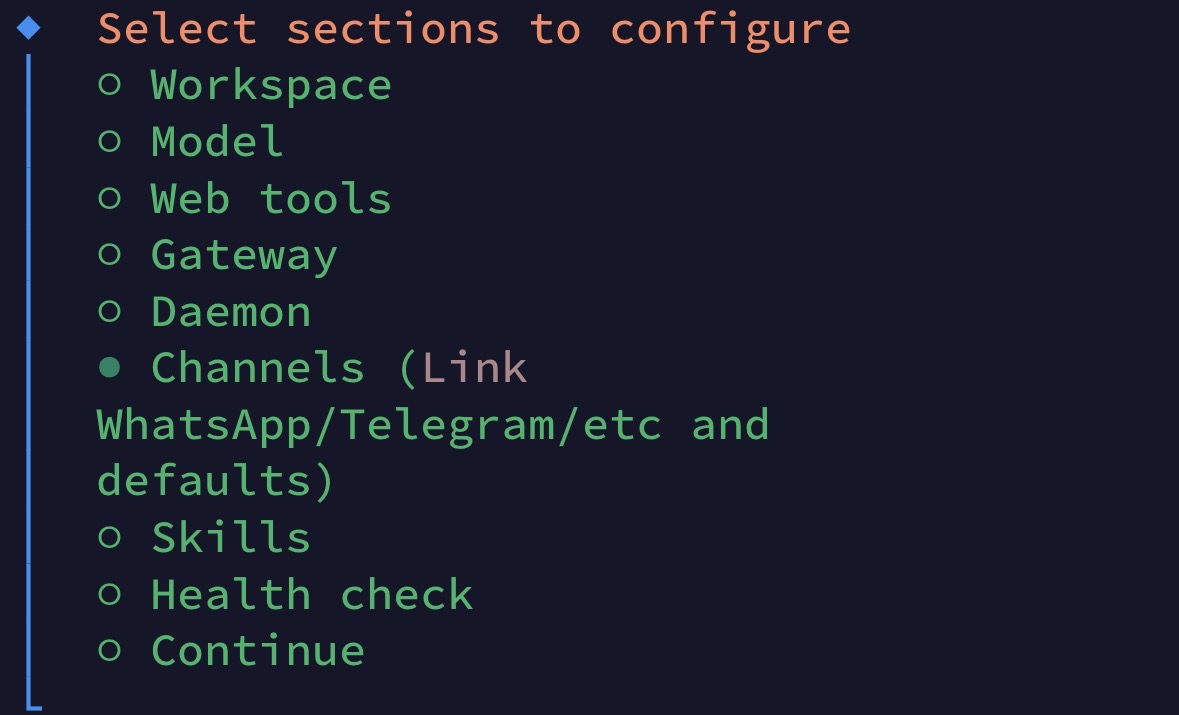
选择Telegram
把刚刚的API key粘贴进去
接下来一路继续就好了
最后在控制台执行
openclaw plugins enable telegram
这一步必须要有,否则无法从Telegram访问
Telegram初始化
用刚刚BotFather发送到链接访问Bot聊天
点击START或发送/start
OpenClaw会发送一个核准码和命令
OpenClaw: access not configured.
Your Telegram user id:
你的Telegram IDPairing code:
核准码Ask the bot owner to approve with: openclaw pairing approve telegram
核准码
openclaw pairing approve telegram 核准码
回到终端执行最后的命令即可使用了
接下来跟随Bot完成接下来的配置
- 分类: 教程 经验分享
- 标签: 树莓派 Linux/Unix